Stroke detection
Recognizes common practice strokes such as forehand, backhand, slice, volley, and serve or overhead motion.
 SwingSense
Apple Watch tennis swing tracker
SwingSense uses Apple Watch motion sensors to detect tennis strokes and show estimated speed, spin, landing result, and replay trajectory.
Designed for practice feedback. Ball speed and trajectories are estimated, not professional line-calling data.
Built for real practice
Recognizes common practice strokes such as forehand, backhand, slice, volley, and serve or overhead motion.
Shows a compact trajectory replay with estimated landing result, speed, spin style, and ball path.
Record multiple swings in a session and review your practice rhythm, stroke mix, and recent results.
Simple setup
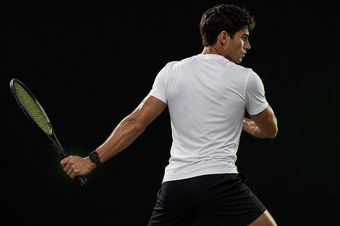
The app uses that setup to normalize motion, reduce left and right hand confusion, and make the replay feel closer to your court position.
Beta testing
TestFlight testers can try single swing mode, training sessions, and replay feedback. Your feedback helps improve recognition across different players, grips, and swing speeds.